
AI text remover — no Photoshop needed
Remove Text From Image in Seconds
AutoErase is an AI text remover for photos, pictures, and screenshots. Brush over captions, labels, price tags, or watermarks and the background is rebuilt — not blurred.
Free credits to start · No watermark on results · JPG, PNG, WEBP
Remove text from your image
Upload a photo, brush over the text you want gone, and AI rebuilds the background in seconds.
Brush over the text you want to remove.
Or drop an image here
Ctrl/Cmd + V to paste an image
Supported formats
Before & after
See the text go, keep the photo
Three everyday jobs: a price tag on a product shot, a caption on a social photo, and painted lettering on a shop sign.
Remove price tags from product photos
Erase the sticker and the background is rebuilt, so the listing still looks like it was shot that way.
- Brush over the price tag
- Backdrop rebuilt seamlessly
- Ready for your store listing
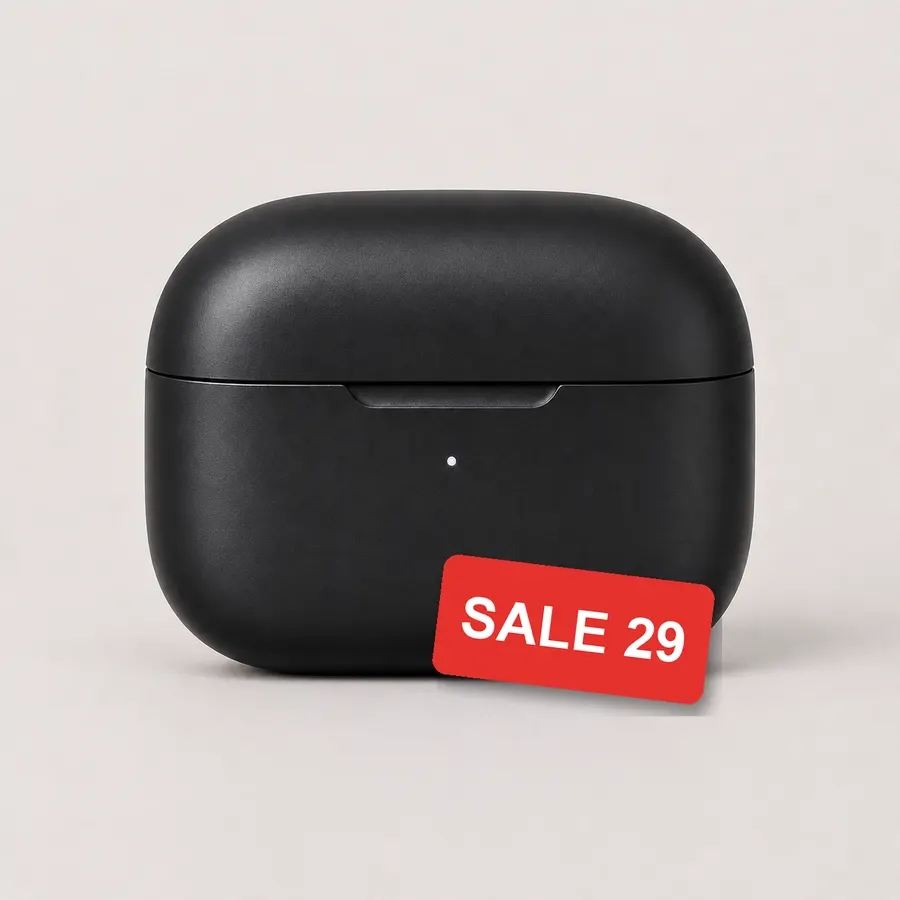 Before
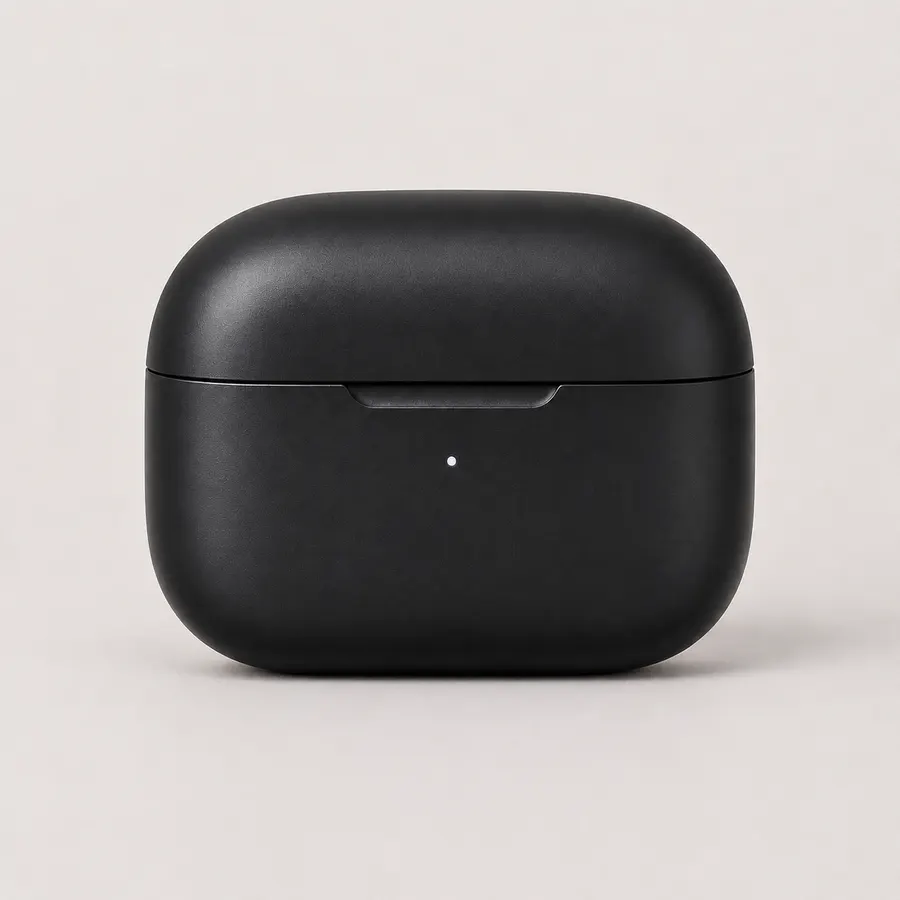 After
Remove captions from photos
Take the caption off a photo or meme and keep the picture underneath exactly as it was.
- Works on photos and screenshots
- No blurry patches left behind
- Original resolution kept
 Before
 After
Erase signs, stamps, and watermarks
Remove painted signs, stamps, and watermarks from images you own or have permission to edit.
- Clean lettering and overlays
- Texture and lighting preserved
- Review before publishing
 Before
 After
How to remove text from an image
Three steps, no editing skills required.
Upload your photo
Drag and drop a JPG, PNG, or WEBP file — or paste it with Ctrl/Cmd + V.
Brush over the text
Paint the caption, label, price tag, or watermark you want gone.
Download the clean image
AutoErase erases the text, rebuilds the background, and hands you a clean file.

What is AutoErase?
An AI text remover, not a full photo editor
AutoErase does one job: remove text from an image. Upload a photo, picture, or screenshot, brush over the words you want gone, and AI erases them and rebuilds what was behind — no layers, no cloning, no Photoshop.
Remove text from photos
Erase captions, labels, and signs from photos while keeping the scene natural.
Clean text from screenshots
Remove text from screenshots, memes, and social posts without leaving blurry patches.
Erase watermarks and logos
Remove watermarks, logos, and stamps from images you own or have permission to edit.
Keep the background intact
AI fills the erased area with matching texture, lighting, and perspective.
Why AutoErase
Why remove text with AutoErase?
A focused text-removal tool for sellers, creators, and teams who need clean images without opening a photo editor.

Everything you need to remove text from an image
Built for one job: clean text removal that leaves the background looking untouched.
AI text detection
Brush over the text and AutoErase removes the lettering, not the whole area.
Caption & label removal
Remove captions, price tags, labels, and stickers from product and social images.
Natural background fill
AI reconstructs texture, lighting, and perspective so erased areas blend in.
Watermark & logo cleanup
Erase watermarks, logos, and stamps from images you have the rights to edit.
Batch-friendly workflow
Clean a whole catalog or campaign without switching tools.
HD export
Download cleaned images in PNG, JPG, or WEBP at full resolution.
Who removes text from images?
Clean up photos for product listings, social posts, and campaigns.
E-commerce sellers
Remove price tags, labels, and packaging text from product photos.
Social media creators
Erase captions and text overlays from memes, stories, and posts.
Photographers & retouchers
Clean text and watermarks from images you own before delivery.
Marketing teams
Prepare clean visuals for ads, landing pages, and campaigns.
Remove text from image — FAQ
The questions people ask most about AI text removal.
Remove the text. Keep the photo.
Upload an image, erase the text, and download a clean result — free credits, no watermark.